Running a local LLM inside your company
Running an LLM locally is no longer a lab exercise. The question is no longer whether it is possible, but what hardware it takes, which model to pick, and how to connect all of it to real business use. Here are the decision points, without unnecessary jargon.
What decides everything: memory
The dominant constraint on a local LLM is not compute, it is memory. To answer, a model must fit entirely in memory accessible to the graphics processor. If it does not fit, it does not run, or it runs at unusable speed.
The orders of magnitude are simple. A model advertised at 70 billion parameters takes roughly 140 GB at 16-bit precision, roughly 70 GB at 8-bit, and roughly 40 GB at 4-bit. On top of that sits the attention cache, which grows with context length: analysing a hundred-page contract consumes far more than a short question.
This is why unified memory changes things. The 128 GB of unified memory on the NVIDIA GB10 Grace Blackwell superchip are shared between the processor and the graphics side, with no costly transfer between two separate spaces. A model that used to require several professional cards fits in a desktop enclosure.
Quantisation, in plain terms
Quantising a model means reducing the numerical precision of its weights: going from 16 bits to 8, or even 4. The model takes less memory and answers faster, at the cost of some quality.
In practice, for everyday professional work, moving to 8-bit is close to painless. Moving to 4-bit remains very usable for drafting, summarising or extracting information. It becomes more debatable for long reasoning or complex code. The right approach is to test on your own documents rather than trust a generic leaderboard.
Which model to choose
The natural reflex is to aim for the largest model possible. That is rarely the right calculation. A mid-sized model, fast and properly connected to your data, produces better business results than a very large, slow model that ignores your context.
Three criteria matter more than the parameter count.
- The licence: check that it permits commercial use and execution on your own hardware, with no data reporting clause.
- Quality in your working language: many models are benchmarked in English, and the gap in other languages is sometimes significant.
- Genuinely usable context length: a very large advertised context is not always exploited correctly across its full range.
A model on its own is useless
This is the most common mistake in early internal projects. A model gets installed, a chat window appears, and the enthusiasm fades within three weeks. An LLM with no access to your documents only produces generic text.
Value comes from the layer around it: indexing your documents so the model answers from them, permissions so a user only sees what they are entitled to see, history, per-team workspaces, and integration with existing tools.
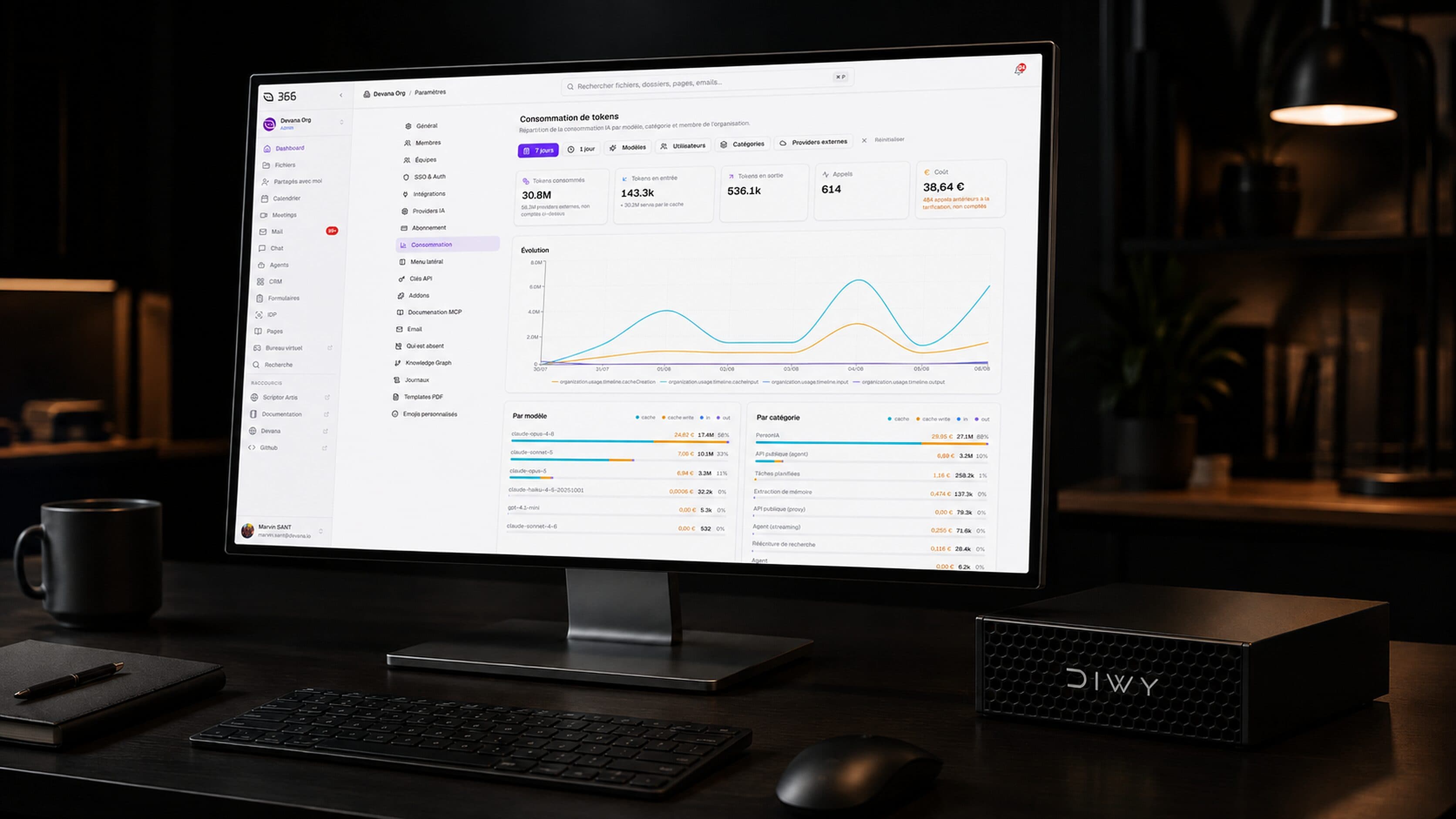
This is exactly what Devana OS brings to DIWY. The box does not expose a raw model: it runs Suite 366, the work suite, and Devana, the enterprise AI platform, already wired to the model and fully offline.
How many users on a single machine
The question comes up every time. Inference occupies the machine while it produces an answer, but real usage is intermittent: someone asks a question, reads the answer, works, comes back ten minutes later.
On DIWY, the chosen configuration handles around twenty concurrent users for everyday work. For an SME, a professional firm or a business unit, that covers most of the need with no server room and no dedicated cooling.
The real cost, compared
An honest calculation does not stop at the hardware price. It has to include integration, maintenance, model updates and the internal time all of that consumes. That line item, not the hardware, is what derails most in-house projects.
A rental model shifts that risk. DIWY is offered at 500 € per month with a 24-month commitment, or 750 € per month with no commitment, with a hardware guarantee paid at checkout (750 € on the commitment, 1,500 € without) and returned at the end of the contract. Hardware, system and both applications are included, and the box is delivered within 72 hours.
Key points
- Available memory, not raw compute, determines which models you can run.
- 8-bit quantisation is close to painless for everyday professional work.
- A model without document indexing and permissions produces no business value.
- The hidden cost of a local LLM is integration and maintenance, not buying the hardware.
Frequently asked questions
How much memory does a business-usable LLM need?
Count on at least 48 GB to work comfortably with a mid-sized model and long contexts. The 128 GB of unified memory on DIWY leave headroom for larger models and several concurrent users.
Does a local LLM work without an internet connection?
Yes, that is the whole point. Once the models are installed, inference needs no outbound network access. On DIWY, Suite 366 and Devana run fully offline.
Can you train your own model locally?
Full training from scratch remains out of reach for a desktop machine. Fine-tuning an existing model, and above all indexing your documents, which covers the majority of business needs, are perfectly feasible locally.
Do you need a rack server and an air-conditioned room?
No. DIWY is a desktop enclosure that plugs into a standard socket and into your network. No specific infrastructure is required.
Your AI, inside your walls.
DIWY is available now, delivered within 72 hours, preconfigured with your applications.
Order a DIWY*