DIWY or Mac Studio to run your AI?
As soon as running models locally comes up, the Mac Studio joins the conversation. Fairly so: it is a very good machine, and on some points it beats DIWY. On others it hits a limit no update will lift. Let us compare properly, with numbers.
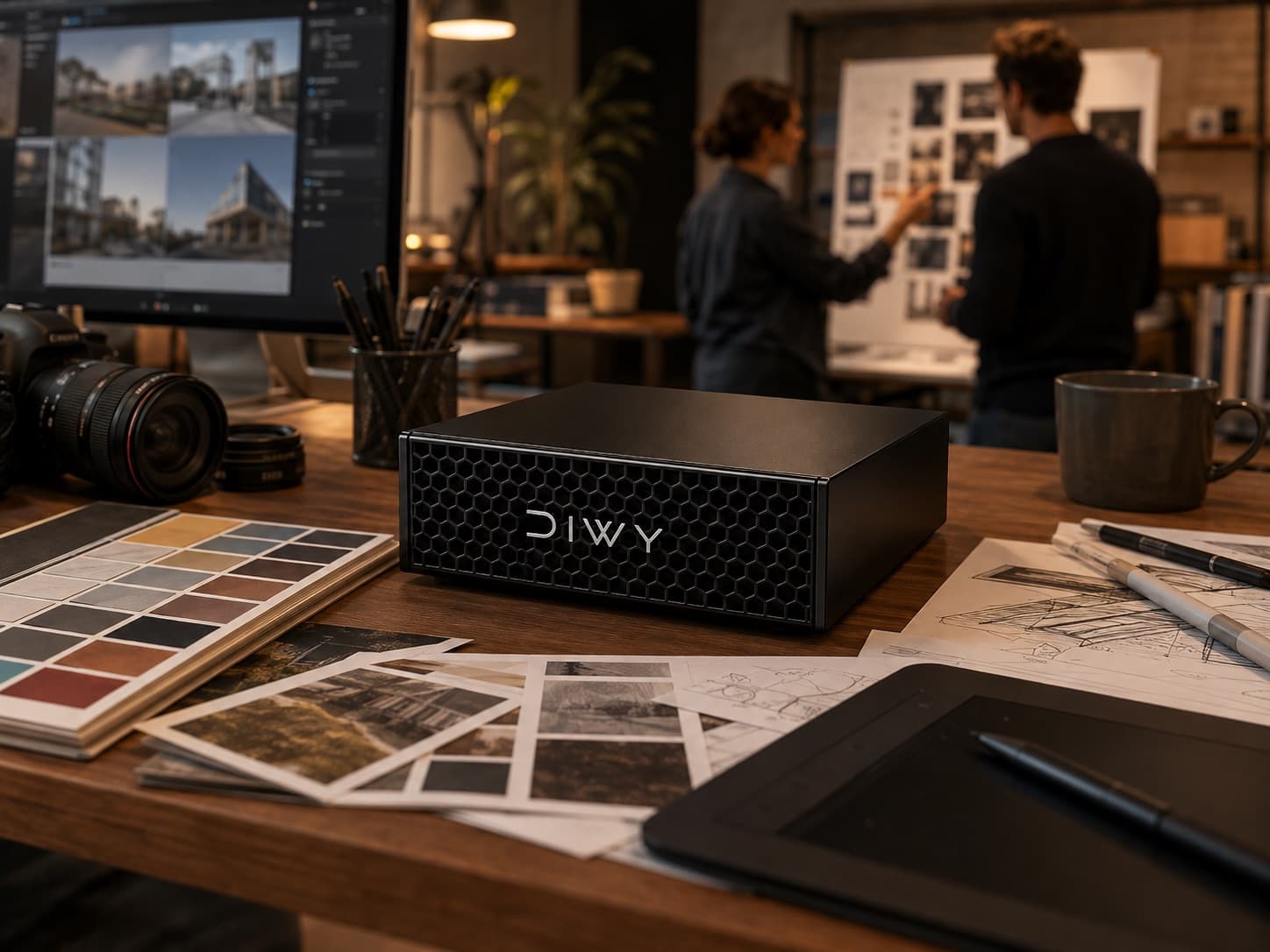
Two objects playing different roles
The Mac Studio is a desktop computer. You buy it bare, install what you want on it, and everything that follows is yours: choosing the inference engine, managing models, user accounts, document indexing, backups, updates.
DIWY is an appliance. It arrives with Devana OS, the system layer, and applications already installed and wired to the models. The honest comparison is therefore not "a box versus a Mac", but "a finished product versus a project to build".
The deciding point: a Mac does not boot a server system
This is the structural limit, and it is verifiable. A Mac Studio runs macOS, and in practice nothing else. macOS Server has not existed as a product for years, and macOS remains a workstation system: user sessions, FileVault demanding a login at boot, updates forcing restarts, and no out-of-band management such as BMC or IPMI to regain control of an unresponsive machine.
That leaves Linux. The Asahi Linux project brings Linux to Apple Silicon, but its status is unambiguous: on M3 chips, graphics acceleration is unavailable and the GPU falls back to software rendering. On M4 there is no installer, no graphics driver and no announced timeline. Current Mac Studios ship precisely with M4 Max and M3 Ultra.
The consequence is direct: you cannot install a Linux server distribution with GPU acceleration on a recent Mac Studio. The entire standard AI software chain, built for Linux, stays out of reach. DIWY runs Devana OS, a system designed for a permanent, multi-user, administrable service.
Performance: the verdict is split, and it should be said
Many vendor comparisons conclude in favour of their own hardware. Public measurements say something else: neither machine dominates everywhere.
Inference happens in two stages. Prefill processes your question and any attached documents: that stage is compute-bound. Decode then produces the answer token by token: that stage is memory-bandwidth-bound.
The GB10 offers around 273 GB/s of bandwidth and 128 GB of unified memory. The Mac Studio's M3 Ultra reaches 819 GB/s and up to 512 GB. Conversely, the GB10's Blackwell side carries roughly four times the compute.
- Prefill, processing long documents: the GB10 measures around 3.8 times faster than the M3 Ultra.
- Decode, generating the answer: the M3 Ultra measures around 3.4 times faster than the GB10.
- Maximum memory: 512 GB for the Mac Studio, 128 GB for DIWY.
- These figures are those published by EXO Labs, who combined both machines precisely to stack their strengths.
Why prefill matters more than people think
A generic tokens-per-second ranking says nothing about your actual use. What matters is the shape of your requests.
If your teams ask short questions and expect long answers, bandwidth dominates and the Mac Studio takes the lead. If they drop in an eighty-page contract, a complete client file or a tender document and ask for a summary, prefill takes most of the time, and the gap swings clearly to the GB10.
The second case is enterprise document work, exactly what DIWY is built for. It is a real argument, but an argument about usage, not general superiority.
The software ecosystem, the least visible gap
On Mac, inference goes through Metal and MLX. Those tools are good and improving fast, but they cover a fraction of what exists. Nearly all AI tooling targets CUDA: high-performance serving engines, quantisation formats, fine-tuning libraries, orchestrators.
In practice, a model published on a Tuesday is usable on CUDA that Tuesday. On Metal you wait for a port, sometimes a few days, sometimes never. Over a machine you keep for three years, that gap widens quietly.
Where the Mac Studio genuinely wins
It would be dishonest not to state this plainly. On several points the Mac Studio is the better choice.
- Very large models: 512 GB of unified memory loads models out of reach of 128 GB.
- Streaming text generation for a single user, thanks to those 819 GB/s.
- Silence and footprint on a shared desk.
- Individual research or development work, where nobody needs permissions or a permanent service.
What you are actually buying
With a Mac Studio you buy a machine. The system, the integration, user management, indexing your documents, maintenance and obsolescence stay on your side. For a technical team that wants full control, it is an excellent starting point.
With DIWY you rent a complete service. The hardware, Devana OS, Suite 366 and Devana arrive preinstalled and wired together, at 500 € per month with a 24-month commitment or 750 € per month with no commitment, a hardware guarantee at checkout (750 € on the commitment, 1,500 € without), delivered in 72h. Obsolescence risk, in a fast-moving field, stays with the vendor.
So the right decision criterion is not a benchmark score. It is whether you want to build your AI infrastructure, or use it on Monday morning.
Key points
- A recent Mac Studio cannot boot a Linux server with GPU acceleration: Asahi Linux has no graphics driver on M3 and nothing usable on M4.
- Performance is split: the GB10 processes long documents around 3.8 times faster, the M3 Ultra generates text around 3.4 times faster.
- The Mac Studio reaches 512 GB of memory, DIWY 128 GB. That is a real advantage for very large models.
- The most lasting gap is software: CUDA is the default target of the whole AI ecosystem, Metal follows later.
- The real question is not the benchmark, it is whether you want to build your infrastructure or use it right away.
Frequently asked questions
Can you install Linux on a Mac Studio for AI work?
Not usefully on current models. Asahi Linux boots on M3 chips but without graphics acceleration, the GPU falling back to software rendering. On M4 there is neither an installer nor a graphics driver. Without GPU acceleration, running models is pointless.
Is the Mac Studio faster than DIWY?
It depends on the request. It generates text faster thanks to its 819 GB/s of memory bandwidth. DIWY processes long documents markedly faster thanks to the GB10's compute. For document analysis the advantage goes to DIWY. For long answers to short questions, to the Mac Studio.
Why not just buy a Mac Studio and install AI on it?
That works perfectly well for individual use. For a team, you still have to build account and permission management, document indexing, monitoring and updates, on a system not designed for a permanent service. That work is what DIWY spares you.
What about a 512 GB Mac Studio for very large models?
That is a genuine advantage, and the one hardware argument beyond dispute. If your need is to load the largest existing open models on a single machine, the Mac Studio goes further than 128 GB. You then inherit the system and software limits described above.
Your AI, inside your walls.
DIWY is available now, delivered within 72 hours, preconfigured with your applications.
Order a DIWY*